Home/Journal/The Real Cost of a Free Website
2026-10-20 · Brett Gaulke
The Real Cost of a Free Website
Your next customer is deciding about you right now, and it doesn't take long. Researchers found people form a first impression of a web page in about 50 milliseconds (Lindgaard et al., Behaviour & Information Technology, 2006). That's why the "free website" pitch is so tempting, and why it can cost a service business so much later.
The short answer
A "free" or $99 website usually costs a small service business later, not up front. The common catches are not owning the site or domain, a template you can't move, slow loading, a hard-to-find phone number, no real search setup, add-on fees, contracts that are hard to leave, promises of a "guaranteed #1 ranking," and extra fake Google Business Profiles. Google says no one can guarantee a #1 ranking, and it allows one Business Profile per business location, so fake extra listings can get the real listing suspended. Before you sign, ask who owns the domain, content, and data, what it costs to leave, and what the monthly fee covers.
Why "free" is never really free
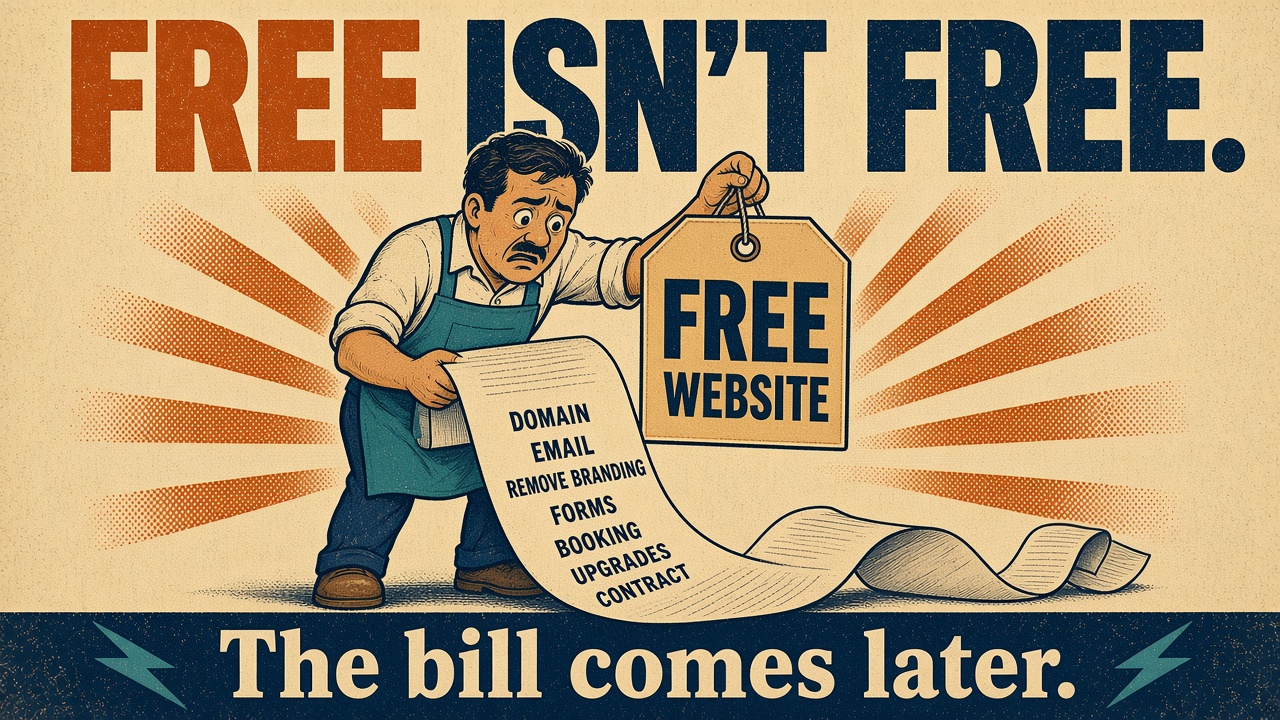
Nobody builds and hosts websites for nothing. When the sticker says free or $99, the money comes from somewhere else. Usually it's one of three things: ads or the platform's branding on your site, upsells for the features you actually need, or a monthly fee where you're renting the site instead of owning it.
None of that is evil on its own. A free builder is a fine way to test an idea or get a placeholder up for a weekend. The trouble starts when that site has to make the phone ring, because a service business lives on calls, and the catches below are exactly the things that get in the way of a call.
Nine catches to look for
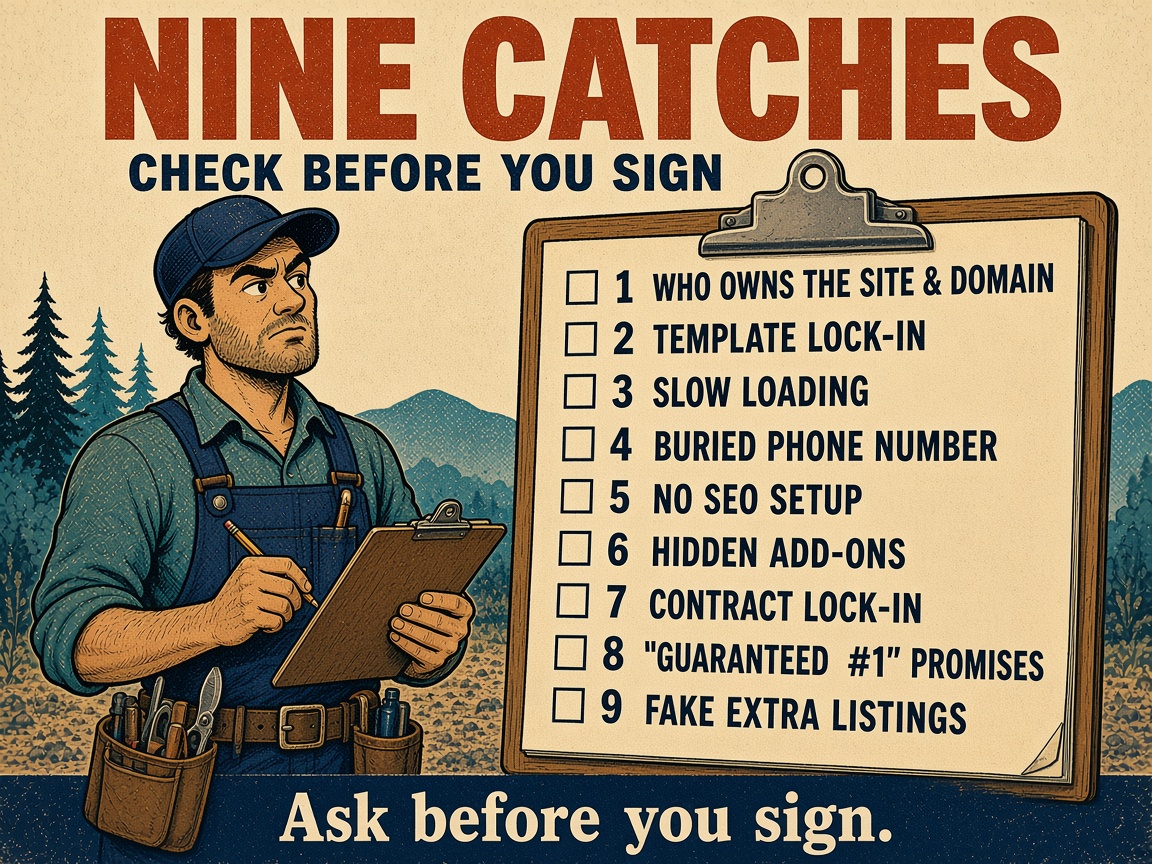
1. You don't own the site or the domain
If the vendor registered your web address in their name, or the site only exists on their platform, leaving can mean losing the address your customers and Google already know. Starting over on a new domain means starting over on the search history you built.
2. Template lock-in
Many template builders don't let you export a working copy of your site. If you leave, you're not moving the site. You're rebuilding it.
3. Slow loading
Heavy templates and crowded shared hosting add up, and your customer is often on a phone with weak signal in a parking lot. A page that drags is a page they back out of.
4. A buried phone number
If the phone number isn't a tap-to-call button near the top of the page, people have to hunt for it. Most won't. We wrote more about this in Why your website isn't getting calls.
5. No SEO setup
Cheap sites often launch without page titles, meta descriptions, a clear heading structure, schema markup, or a sitemap submitted for indexing. The site exists, but search engines get very little to work with.
6. Hidden add-on costs
The base price often leaves out the things a business needs: a custom domain, business email, removing the platform's branding, contact forms, and online booking. Each one can be an upgrade.
7. Contract lock-in
Watch for 12-month terms, early-cancellation fees, and fine print that says the site goes away when you cancel. Read what happens on the way out before you sign up.
8. "Guaranteed #1 ranking" promises
Google is blunt about this: "No one can guarantee a #1 ranking on Google" (Google Search Central). If a vendor guarantees it, that's a red flag, not a feature.
9. Fake extra Google Business Profiles
Some vendors offer to "set up multiple listings" so you show up in more towns. That one gets its own section below, because it can put your real listing at risk.
The Google Business Profile trap: why fake extra listings put your real one at risk
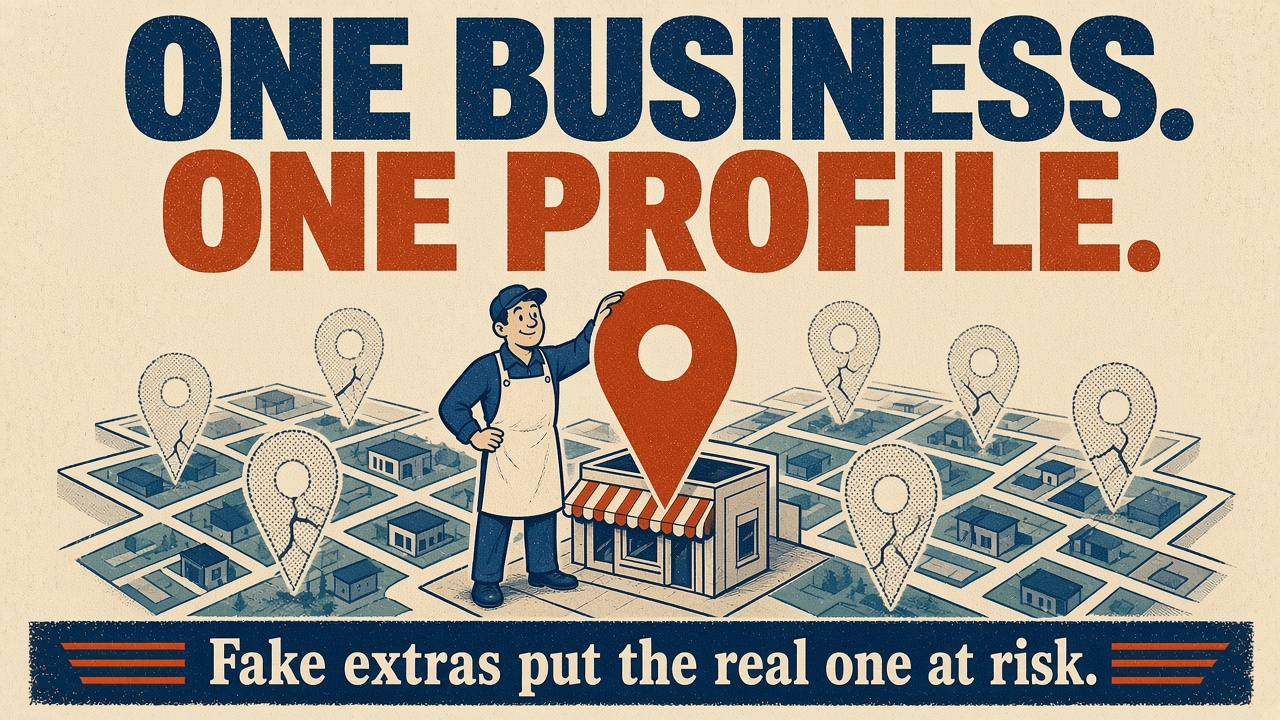
Google's rules are short. "There should only be one profile per business," and "Do not create more than one page for each location of your business, either in a single account or multiple accounts." If your business doesn't have a storefront, "you're allowed one service-area Business Profile." You can have more only "if you have different locations for your service business, with separate service areas and separate staff at each location" (Google's guidelines for representing your business).
Here's what can happen when someone breaks those rules for you:
- Duplicates get hidden. Google says, "You can have only one Business Profile for each business," and "If a profile is considered a duplicate, it won't show on Google Search or Maps" (Resolve duplicate profiles).
- Violations can lead to suspension. Google says it may suspend or disable profiles that don't follow its guidelines (Fix suspended or disabled profiles).
- One restriction can hit every listing. On the same page, Google says that when an account is restricted, "the Business Profiles you manage are suspended."
Your real profile is where your reviews, photos, and hours live. It's often the reason the phone rings at all. So ask any vendor exactly what they'll create on Google under your name, and keep ownership of your Business Profile in your own Google account, not theirs. Not sure what's out there under your name? The Free Business Health Audit checks your site and looks for a matching Google profile.
What the cheap site really costs you
The bill for a cheap site doesn't show up on the invoice. It shows up as calls that never came because the number was hard to find or the page was slow, as a rebuild when you finally outgrow the template, as starting over on a new domain if you never owned the old one, and as the risk of losing the Google listing your customers use to find you.
If you want the actual numbers for a real small business site, including a three-year example, see What a small business website costs.
Questions to ask before you sign
- Who owns the domain, the content, and the data?
- What happens to my site if I cancel?
- Is there a contract, and what does it cost to leave?
- What does the monthly fee cover, and what costs extra?
- Who builds it, and can I call them?
- What will you create on Google in my name?
We covered a related set of questions for pay-monthly deals in Before You Sign Up for a Pay-Monthly Website. Want a second set of eyes on your current site first? Run the Free Business Health Audit.
How True North handles it
Here's how we do it at True North Web Design:
- Builds starting at $750, and hosting and care starting at $39.99/mo. See Pricing. Apps and custom software can be split into 3, 6 or 12 monthly payments.
- Own It has no long-term contract; No Money Down is a 24-month term. After that, continue month-to-month starting at $39.99/month, or buy out your site.
- Once your build is paid off, your domain, content, and data are yours.
- An Own It build takes about a week.
- We work with businesses nationwide.
See what we build on Services, and real projects on Work, including CampTech, a fast mobile site for a mobile RV repair business.
FAQs
Are free website builders bad for a small business?
Not always. They're fine for testing an idea or a quick placeholder. They get risky when the site has to bring in calls, because ownership, speed, phone placement, and search setup start to matter.
What's the catch with a free or $99 website?
The cost usually shows up later: you may not own the site or domain, the template may not move, add-ons cost extra, contracts can be hard to leave, and the search setup is often thin.
Do I own my website if someone else built it?
It depends on the contract. Ask about the domain, the content, and the data separately, and get the answer in writing.
Can I move my site off a template builder?
Often not cleanly. Many builders don't export a working site, so plan for a rebuild if you leave.
Can anyone guarantee a #1 ranking on Google?
No. Google says, "No one can guarantee a #1 ranking on Google."
Can I have more than one Google Business Profile?
Google allows one profile per business. You can have more only for real locations with separate staff and separate service areas.
What happens if Google finds duplicate or fake profiles?
Google says duplicate profiles won't show on Search or Maps, profiles that break its guidelines can be suspended, and if the managing account is restricted, the profiles it manages are suspended.
How much does a real small business website cost?
At True North, it's builds starting at $750, plus hosting and care starting at $39.99/mo. See What a small business website costs for a full example.
Is there a contract with True North?
Own It has no long-term contract; No Money Down is a 24-month term. After that, continue month-to-month starting at $39.99/month, or buy out your site.
How long does a build take?
An Own It build takes about a week.
Do you work with businesses outside Tennessee?
Yes. We work with businesses nationwide.
Not sure what you're paying for? Get a Free Business Health Audit of your site and Google profile, or call (865) 235-1305.